

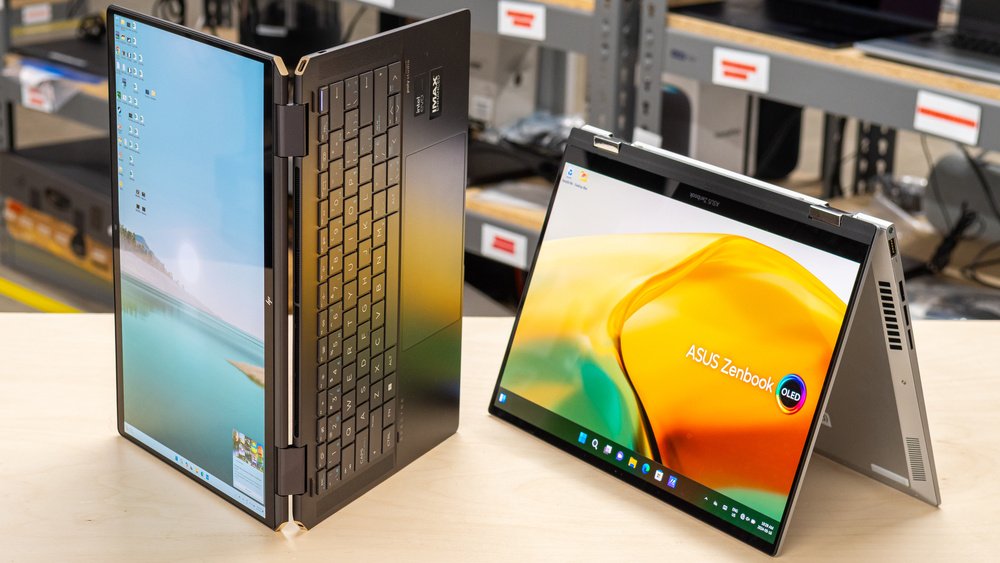
Buying a new laptop can feel overwhelming when you have so many brands, specifications, and price ranges to choose from. Whether you need a device for studying, office work, gaming, or creative projects, finding the right balance between performance and affordability is essential.
The best laptop is not necessarily the most expensive one. It is the one that handles your everyday tasks comfortably without making you pay for features you rarely use. Here are some practical tips to help you choose a laptop that suits your needs and budget.
1. Identify Your Primary Purpose
Before comparing laptop models, think about how you plan to use your device. Students may need a laptop for online classes, assignments, research, and presentations. Professionals may prioritize multitasking, video conferencing, and business applications.
If you enjoy gaming, video editing, or graphic design, you may need more powerful hardware. Meanwhile, browsing the internet, watching videos, and handling everyday documents usually require less processing power.
Understanding your main requirements helps narrow your choices and prevents unnecessary spending.
2. Set a Realistic Budget
Decide how much you can comfortably spend before exploring available options. Laptop prices vary considerably depending on their specifications, build quality, and features.

Consider the total cost, including accessories, software, extended warranties, and any necessary upgrades. If your budget is limited, prioritize essential specifications rather than paying extra for premium finishes or features you do not need.
Comparing several models within your price range can help you identify the best overall value.
3. Choose the Right Processor
The processor, or CPU, affects how efficiently your laptop handles applications and everyday tasks. Entry-level processors can be suitable for basic browsing and documents, while mid-range options generally provide a better balance for multitasking and productivity.
For demanding activities such as gaming, programming, and video editing, a more powerful processor may be worthwhile.
Compare the exact processor model rather than relying only on labels such as Core i5, Core i7, or Ryzen 7, because performance varies between generations and configurations.
4. Pay Attention to RAM and Storage
RAM helps your laptop manage multiple applications simultaneously. For basic tasks, 8GB may be sufficient, while 16GB is a useful target for smoother multitasking and longer-term flexibility. More memory may be beneficial for demanding professional workloads.
Storage determines how much space you have for applications, documents, photographs, and videos. A solid-state drive (SSD) generally provides faster startup and loading times than a traditional hard disk.
For many students and professionals, a 512GB SSD offers a practical balance between capacity and cost.
5. Select a Comfortable Display Size
Laptop screen size affects portability and everyday usability. Smaller displays, typically around 13–14 inches, are convenient for commuting and travel. Larger screens, around 15–16 inches, can provide more space for spreadsheets, creative projects, and multitasking.
Also consider resolution, brightness, and viewing comfort. If you spend several hours working on your laptop, a clear display with comfortable viewing angles can make a noticeable difference.
6. Check Battery Life and Portability
If you frequently travel or work away from a desk, battery life should be an important consideration. Compare independent reviews and real-world battery tests rather than relying entirely on manufacturer estimates.
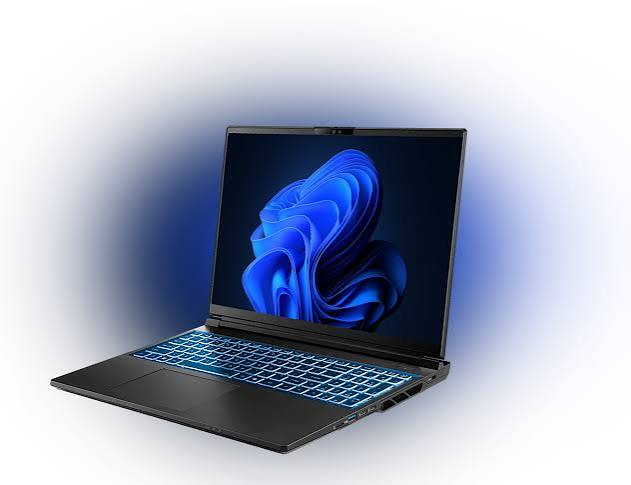
Weight also matters if you carry your laptop every day. A lightweight model can be more convenient for students, commuters, and business travelers, while heavier performance laptops may offer greater processing or graphics capabilities.
7. Choose an Operating System That Fits Your Needs
Windows, macOS, and ChromeOS each offer different advantages. Windows provides broad software compatibility, macOS integrates closely with Apple devices, and ChromeOS can suit users who primarily work through web applications.
Check that your essential applications, accessories, and work tools are compatible with the operating system before purchasing.
8. Compare Features, Reviews, and Warranty
Before making a final decision, read customer reviews and compare keyboard quality, webcam performance, connectivity ports, build quality, and upgrade options.
Check the manufacturer’s warranty, return policy, and availability of authorized service centers. A dependable laptop with good support may offer better long-term value than a cheaper model with limited repair options.
Final Thoughts
Choosing the right laptop becomes easier when you focus on your actual requirements rather than impressive specifications alone. Set a realistic budget, prioritize the processor, RAM, storage, display, and battery, and compare models carefully before buying.
By balancing performance, portability, reliability, and price, you can find a laptop that supports your daily needs and delivers lasting value without stretching your budget.










Related Posts



Stay Informed With the Latest & Most Important News
Previous Post
Next Post











-
 01How to Build a Better Wellness Routine in 2026
 -
 02Udemy: Your Gateway to Skill-Based Learning in 2026
 -
 03Why Travel Changes Your Perspective on Life
 -
 04Affordable Pool Party Ideas for Birthdays and Weekend Gatherings
 -
 05Driving Conversion-Ready Users via SEO Content & Comparison Guides
 -
 06How to Book the Best Travel Experiences on Viator and Save Money
 -
 07Best Drinks to Boost Immunity Naturally