

Creating 3D models used to require specialised software, technical knowledge, and considerable time spent shaping objects manually. Today, artificial intelligence is making 3D design more accessible by allowing users to transform written descriptions and images into three-dimensional assets. Whether you are a beginner, digital artist, game developer, or product designer, AI-powered tools can help you bring creative ideas to life without starting from scratch.
If you are curious about AI-generated 3D models, understanding the basic workflow can help you get started and achieve better results.
What Is AI 3D Model Generation?
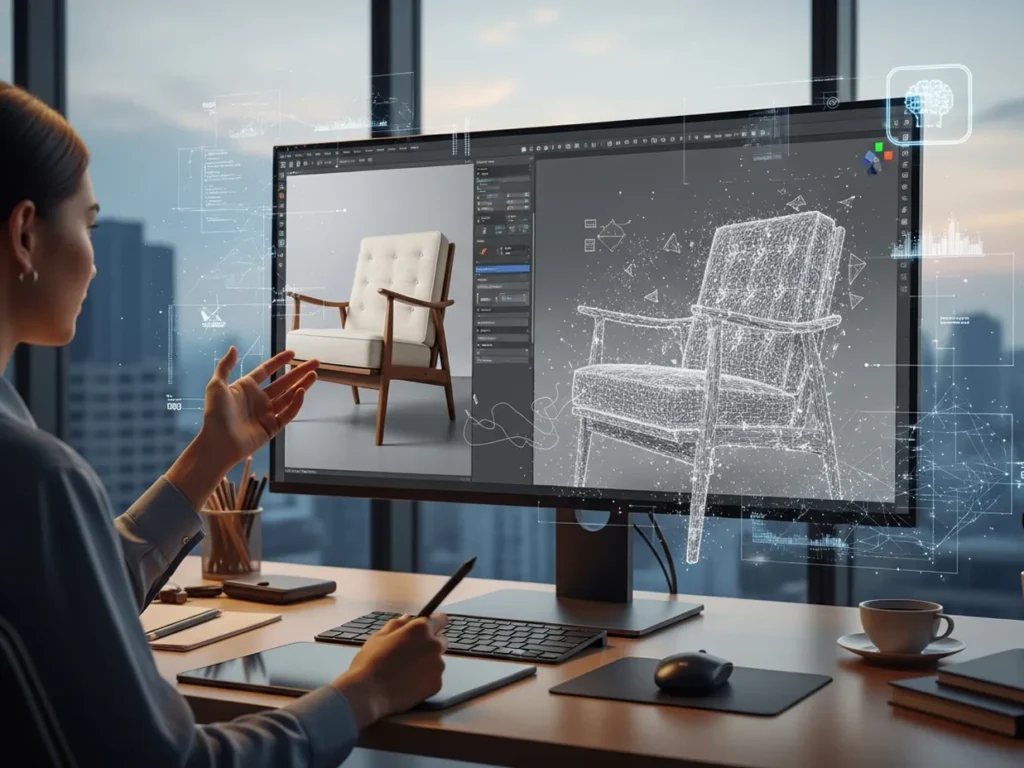
AI 3D model generation uses machine learning to interpret text prompts or visual references and produce three-dimensional objects. Instead of manually creating every surface and shape, users provide an input, and the AI generates a model based on the information it receives.
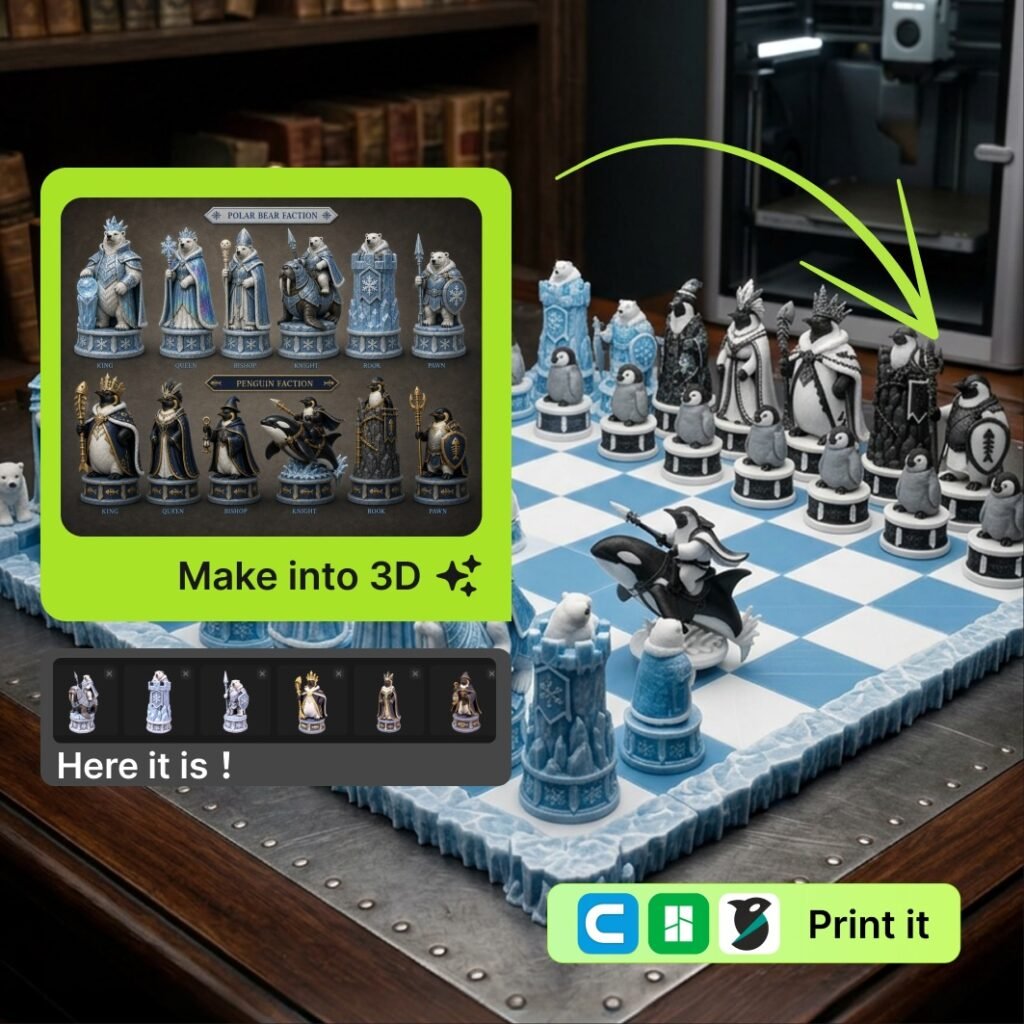
For example, you could describe a futuristic chair, upload a photograph of a toy, or provide an illustration of a fantasy character. Depending on the tool, the resulting model may include geometry, textures, and materials that can be refined in 3D software.
These tools are useful for concept development, animation, game assets, product visualisation, and creative experimentation.
Step 1: Decide What You Want to Create
Before opening an AI generator, define your idea clearly. Think about the object’s shape, purpose, materials, and overall appearance.
For instance, instead of entering a vague prompt such as “a robot,” try something more descriptive:
“A small futuristic robot with rounded metal panels, blue glowing eyes, compact arms, and a clean industrial design.”
Specific descriptions give the AI more information to work with. You can also mention the visual style, such as realistic, cartoon-inspired, low-poly, or science-fiction.
Having a clear concept makes it easier to evaluate the generated model and decide what needs improvement.
Step 2: Choose Between Text-to-3D and Image-to-3D
AI 3D generators generally offer two useful starting points.
Text-to-3D: This approach converts a written description into a model. It is ideal when you have an idea but no reference image. You can experiment with different prompts to explore shapes, styles, and designs.
Image-to-3D: This method uses an uploaded image as a visual reference. It can be useful when you already have a product photograph, illustration, character concept, or object you want to recreate in three dimensions.
Platforms such as Meshy AI support text-to-3D and image-to-3D workflows, giving creators a practical way to experiment with both approaches. The best option depends on whether you are starting with a written concept or an existing visual.
Step 3: Generate and Review Your Model
Once you have prepared your prompt or uploaded your image, start the generation process. Depending on the platform and model complexity, processing time can vary.
When the result appears, inspect it from different angles. Check whether the overall shape matches your idea, whether important details are missing, and whether the proportions look natural.
Do not expect every first attempt to be perfect. Try refining your prompt, changing the reference image, or adjusting the available generation settings. Small changes can produce noticeably different results.
Step 4: Refine the Model
AI-generated models may need additional editing before they are ready for professional use. You might need to correct surfaces, improve textures, adjust geometry, or remove unwanted details.
Tools such as Blender can help you edit and refine generated assets. Depending on your project, you may also need to check polygon count, topology, scale, and file compatibility.
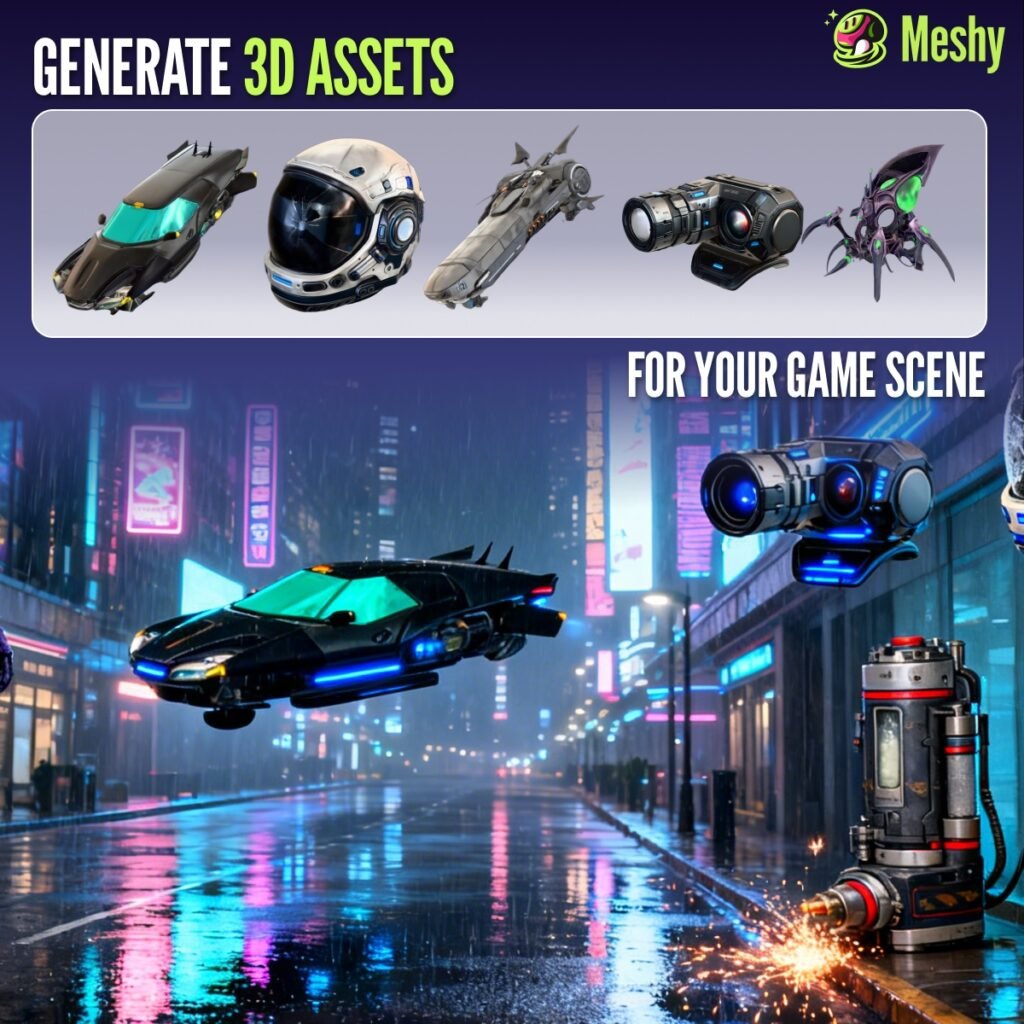
For animation or gaming, additional preparation such as rigging or optimisation may be necessary. For 3D printing, verify that the model is suitable for printing and does not contain problematic gaps or disconnected surfaces.
Step 5: Export and Use Your 3D Asset
When you are satisfied with your model, export it in a format supported by your intended application. Common formats include OBJ, FBX, and GLB, although availability varies by platform.
You can then use the asset in a game environment, animation project, digital presentation, or product concept. Always review the platform’s export options and licensing terms before using generated assets commercially.
Final Thoughts
Turning images and text into 3D models with AI is an approachable way to explore digital creativity. By developing clear prompts, choosing suitable reference images, reviewing generated results, and refining models when necessary, beginners can build useful 3D assets without mastering every traditional modelling technique first.
Start with a simple object, experiment with different inputs, and learn from each result. With practice and tools such as Meshy AI, you can gradually turn your ideas into three-dimensional creations for personal projects, design experiments, and professional workflows.










Related Posts

Stay Informed With the Latest & Most Important News
Previous Post
Next Post










-
 01Best Budget Finds Under ₹500 That Are Actually Worth It
 -
 02Best AI 3D Model Generators in 2026: Top Tools for Creating 3D Assets from Text and Images
 -
 03How to Become Fluent in a Foreign Language Through Daily Practice
 -
 04The Skills-First Economy: How Udemy is Architecting Your Career Future
 -
 05Hostinger: A Simple Way to Build and Grow Your Online Presence
 -
 06Why Food Makes Celebrations More Memorable
 -
 07Simple Ways to Reduce Stress in Daily Life